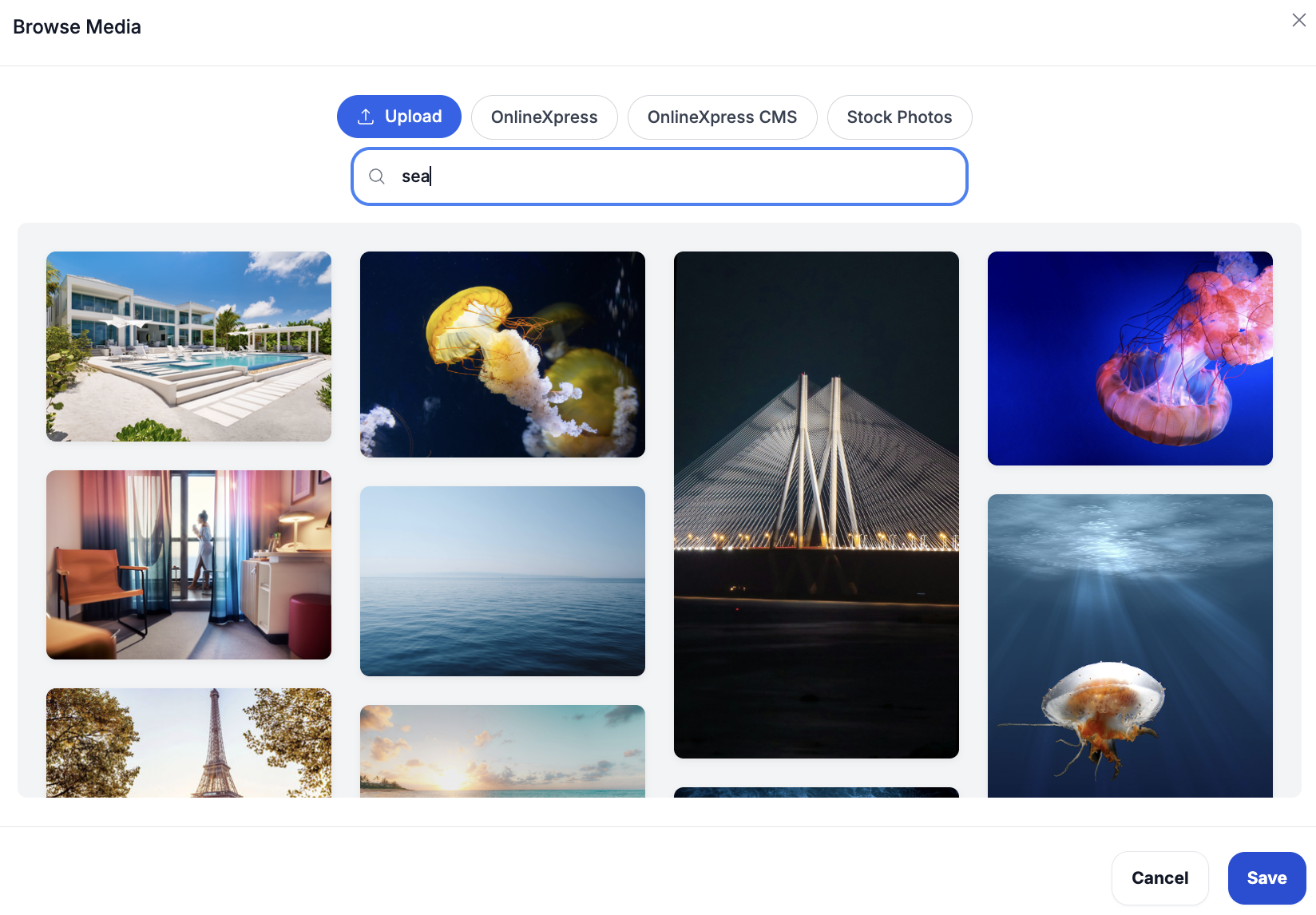
Click “Upload” to add your own image to your blog post or product page.
You can also choose images from the Photos Library, which includes pictures from Your Website, Your CMS, and stock photo collections.
When selecting an image from the Photos Library, any required copyright, attribution, or license information will automatically be included.
To quickly find a specific image, use the search bar within the Photos Library. For example, if you search for “Sea”, only sea-related images will appear. This makes it easier to find a picture that matches your content.
To find specific content, you can use the available filters to narrow your search by Author or Created Date. The Content Type filter allows you to choose the type of content you want to display. For example, if you only want the CMS to show blog posts, select Content Type and choose “Blogs.” If you need to clear your selections and return to the default view, simply click “Reset.” These filters help you quickly and easily locate the content you’re looking for.