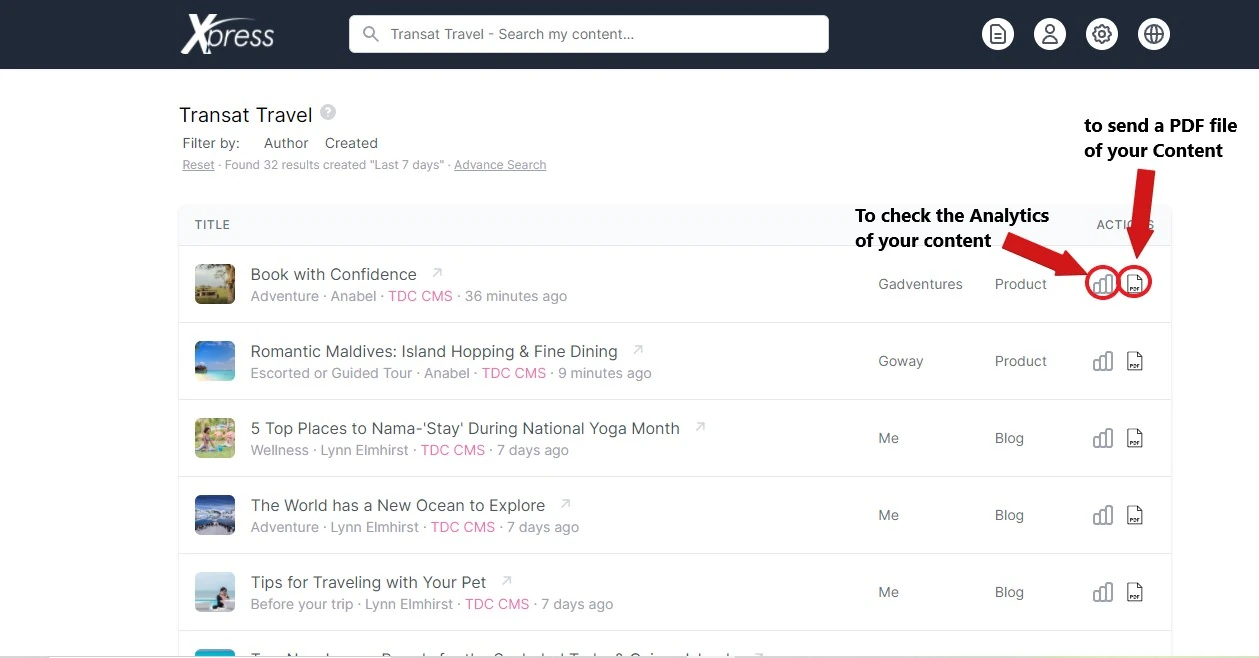
If you want to search for specific content, you can use the filters at the top of the page. You can filter content by Author or Created date to quickly find what you are looking for.

If you need to clear your selections, click on Reset to remove all applied filters.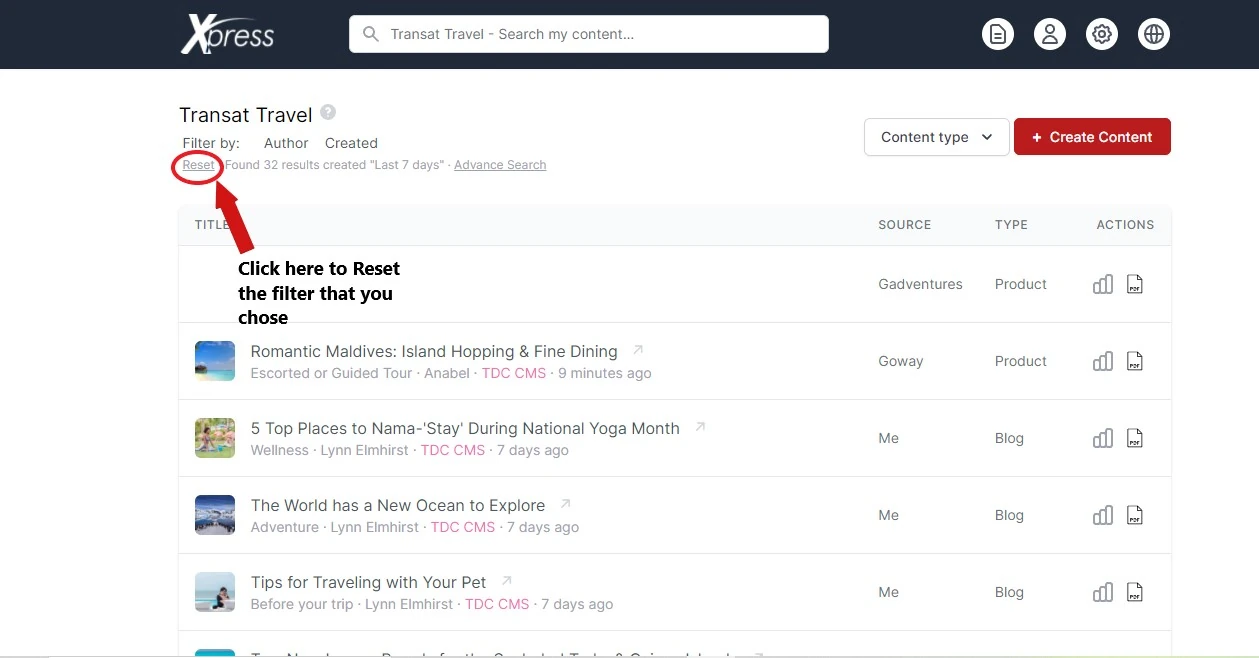
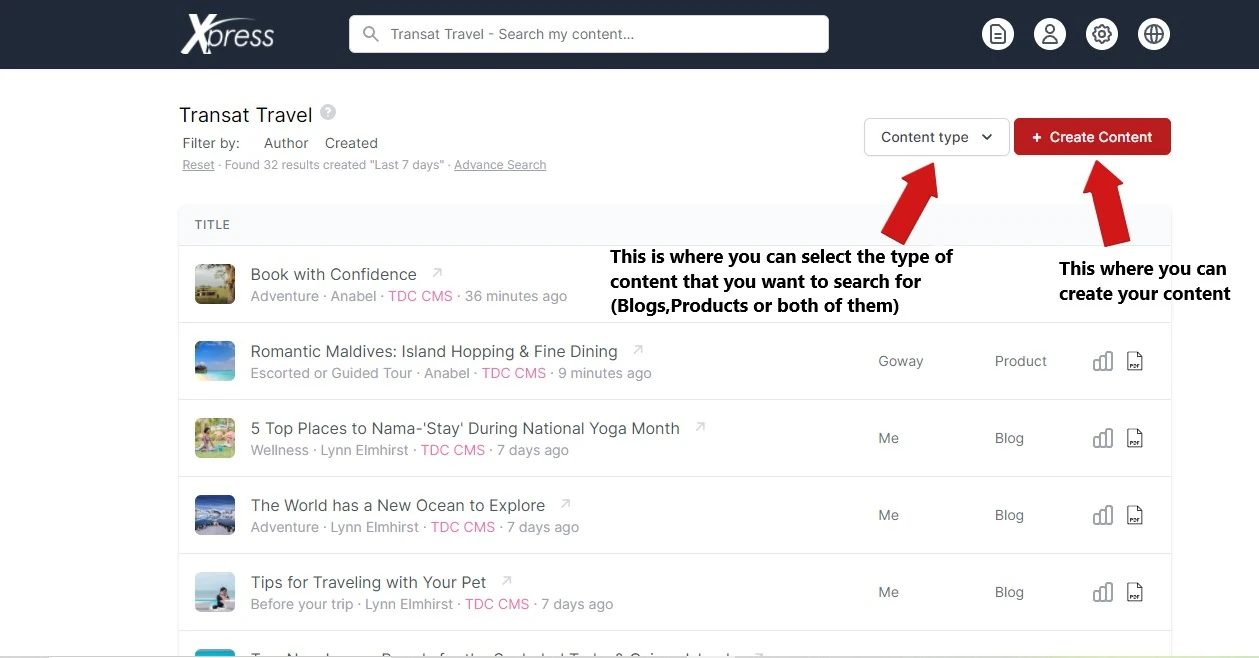
The Content Type filter allows you to narrow down results by the type of content you want to view.
For example, if you want the CMS to display only blog posts, click on Content Type and select Blogs. The system will then show only blog-related content.
If you would like to download a PDF version of your content or view its analytics, you can use the available PDF and Analytics options within the content management system.