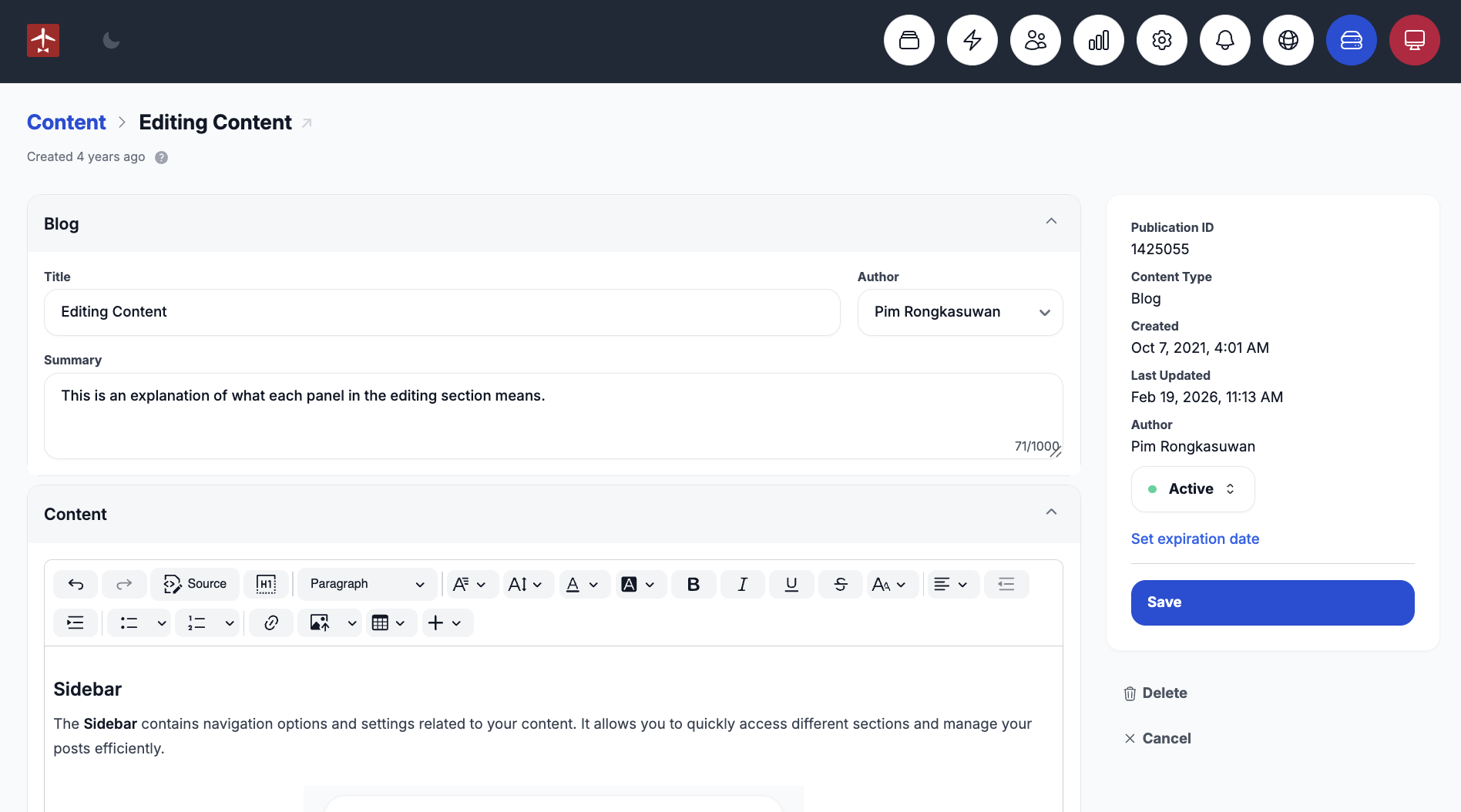
Sidebar
The Sidebar contains navigation options and settings related to your content. It allows you to quickly access different sections and manage your posts efficiently.
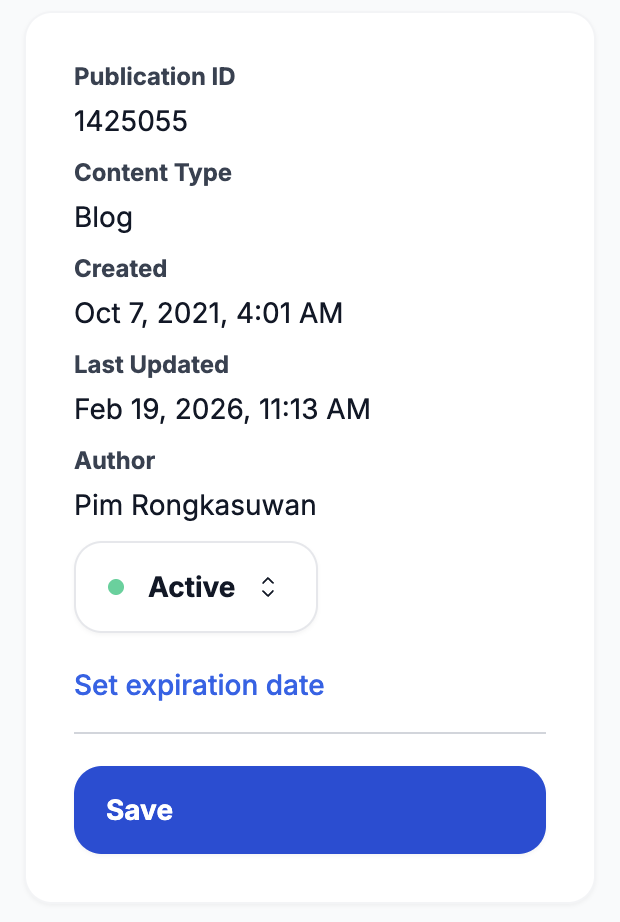
Status
Active content is live and visible to users.
Draft content is saved but not visible to users.
Scheduled content is saved but will only become visible once the scheduled date arrives.
Private content is saved and only visible to users who have access permissions.
You can also set an expiration date for your content. Once the expiration date is reached, the content will automatically expire and revert to Draft status.
Deleting Content
If you want to remove a post, you can delete it by clicking the bin icon located in the bottom-right corner. This will permanently delete your content.